Wall framing calculator.
Type in your wall lengths and heights. Get the whole material list — studs, top and bottom plates, headers, sheathing, nails and board feet — and download it as a proper Excel takeoff with live formulas.
| Wall | Length (ft) | Height (ft) | Openings | Wall SF |
|---|
| Material | Qty | Unit | How it’s figured |
|---|
How the math works
Every factor in this calculator is a standard framing rule of thumb, and every one of them is visible in the Excel download so you can audit or adjust it:
- Studs — wall length × 12 ÷ spacing, rounded up, plus one end stud, plus two extra studs per opening (a simplified king-plus-jack allowance — for tall or wide openings add more by hand). Corner and partition-intersection studs are covered by your waste %.
- Plates — wall length × number of plate courses (3 by default = double top plate + single bottom plate) = plate linear feet, bought in 16′ pieces, plus waste.
- Headers — one header per opening (size and ply per span is on you — note the span on each header).
- Sheathing — wall length × height × (1 + waste) ÷ 32 SF per 4×8 sheet, when sheathing is turned on.
- 16d framing nails — ≈ studs × 8 + plate LF × 2 nails, converted to pounds at ≈45 nails per pound, then rounded into 1-lb boxes.
- Board feet — stud and plate linear feet × the board-foot factor for the stud size (2×4 = 0.667 bf/ft, 2×6 = 1.0 bf/ft).
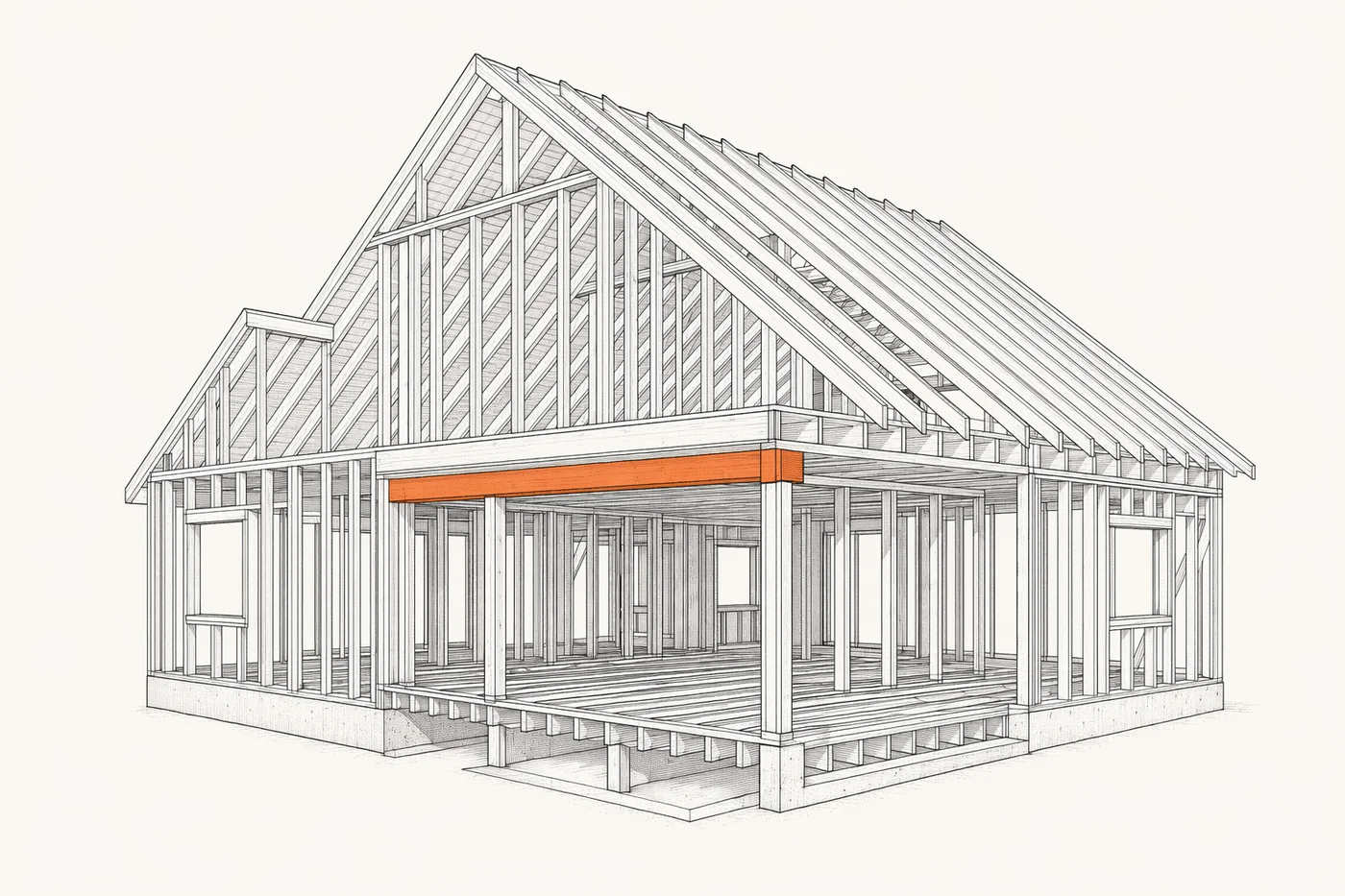
This is the easy 20%. The other 80% is on your drawings.
A length-based calculator prices the straight walls you already understand. What it can’t do is read a framing set: the header schedule, the shear-wall nailing pattern, the stud packs at point loads, the gauge or species call-outs, the gable and rake details. That’s the part of a framing bid that leaks money — and it’s exactly what Pilars AI takeoff for carpentry does from your actual plans: it reads every wall, opening and detail and returns studs, plates, headers, sheathing and fasteners by type. $100 per trade, per plan.
Questions framers actually ask
How does the calculator count studs?
For each wall: length × 12 ÷ spacing, rounded up, plus one end stud, plus two extra studs per opening for a simplified king-plus-jack allowance. Corners and intersections are covered by the waste factor.
What materials does it calculate?
Studs, top and bottom plate lumber (linear feet and 16′ pieces), header count, OSB/plywood sheathing sheets, 16d framing nails in pounds and boxes, and total board feet for studs and plates.
How are plates figured?
Plate linear feet is wall length × plate courses — three by default for a double top plate plus a single bottom plate — divided by 16′ to get lumber pieces, rounded up, with your waste % applied.
Can I download the takeoff as Excel?
Yes — one click exports a real .xlsx workbook with a Walls sheet and a Materials sheet. The cells carry live Excel formulas, so you can change lengths, spacing, plate count or waste inside Excel and everything recalculates. There’s a blank reusable template too.
Is this as accurate as a real plan takeoff?
It’s a fast estimating tool built on standard framing factors. It doesn’t read your header schedule, shear-wall callouts or stud-pack details — that’s what Pilars does from your actual drawings for $100 per trade.
Let Pilars take off your whole set.
Upload your plans. Pilars reads every wall, opening and detail, applies the header schedule and shear-wall callouts, and returns the full framing takeoff — studs, plates, headers, sheathing and fasteners. $100 per trade.