Learn AI takeoff,
step by step.
Nine short, hands-on tutorials that take you from your very first plan upload to verifying a finished bill of quantities like a seasoned estimator. Read them in order, or jump to the one you need.
Getting started
Upload your first plan set →
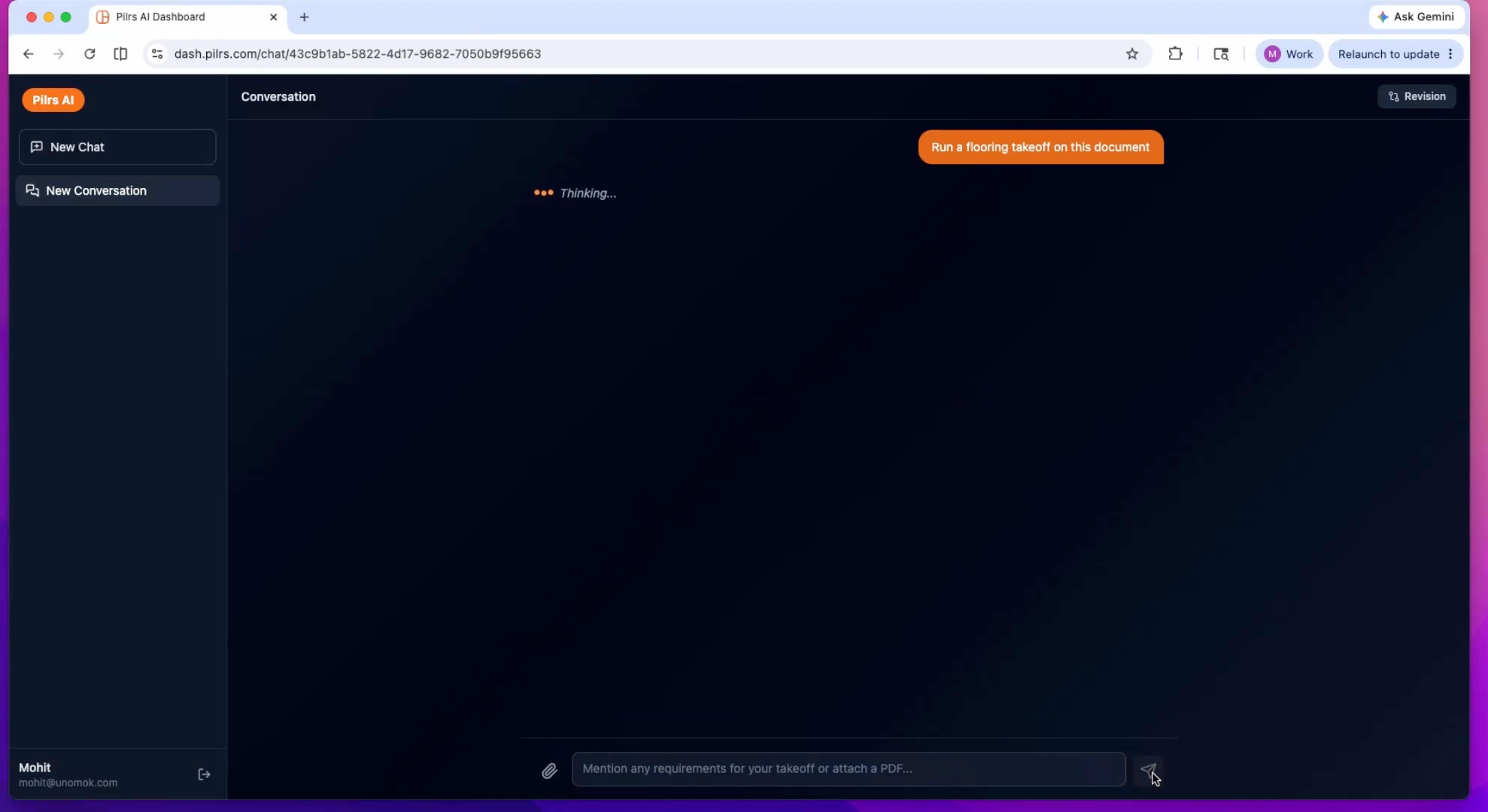
Prep the full PDF — legend and schedule sheets included — upload it, and watch the page-by-page scan.
Run a drywall takeoff →
Pick the quick action, see what the AI reads from the plan, and review the BOQ it produces.
Takeoffs
Review wall classification →
Read the colored overlays from the vision model and confirm wall types against the legend.
Export your BOQ to Excel →
Understand the Excel BOQ structure and drop it straight into your estimating system.
Estimate material pricing →
Turn quantities into a priced BOQ and sanity-check the unit costs before they hit a bid.
Handle revisions & addenda →
Re-run on a revised set and compare quantity deltas so nothing slips through an addendum.
Takeoffs for multiple trades →
One trade at a time at $100/trade — how to structure a clean multi-trade bid.
Verify quantities like an estimator →
A spot-check workflow: legend first, big rooms, rated corridors — when to trust and when to adjust.
Beyond quantities